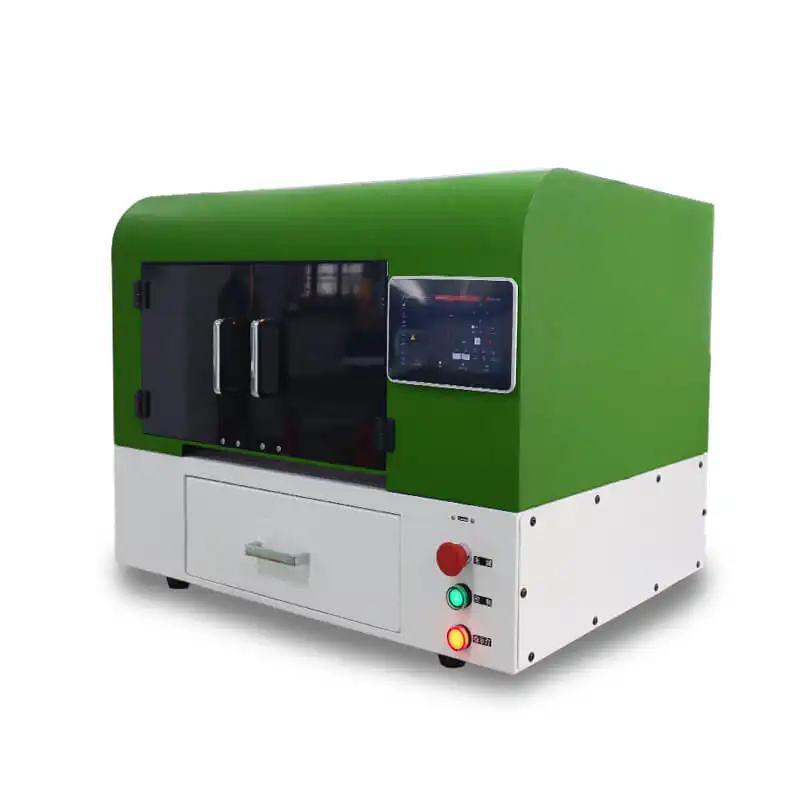
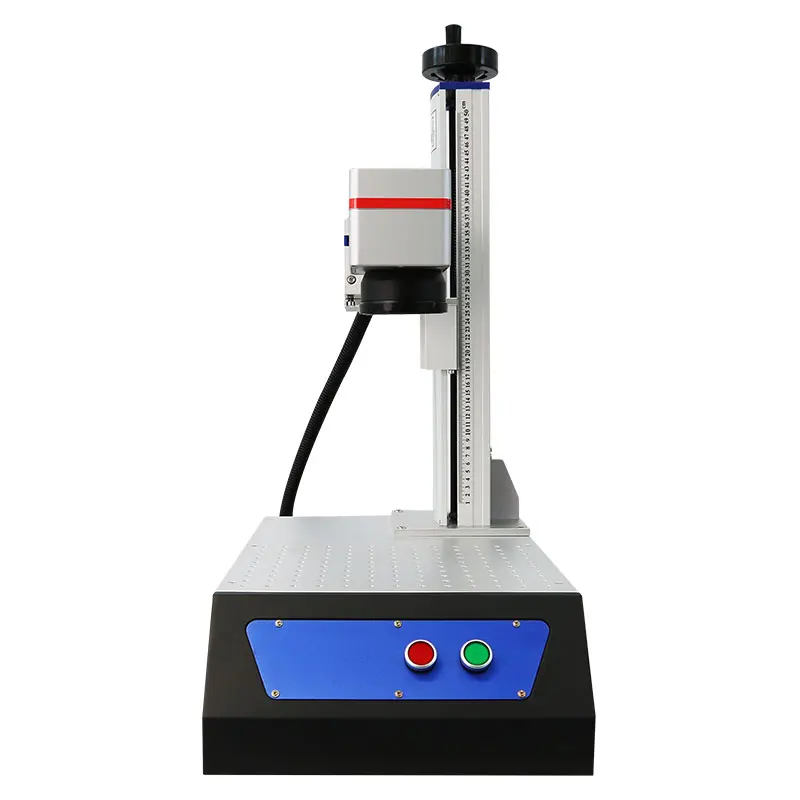
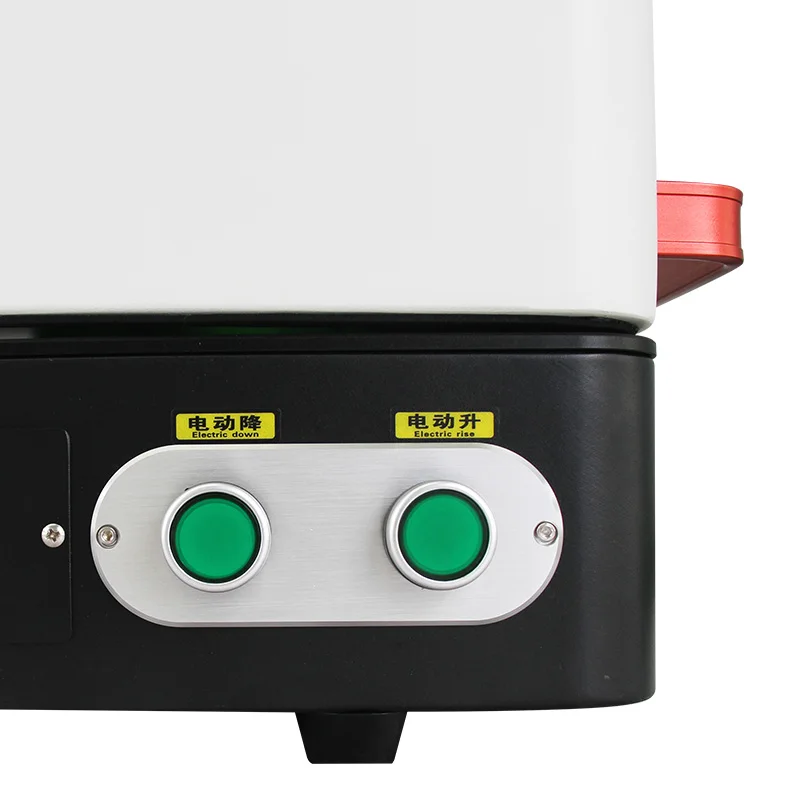
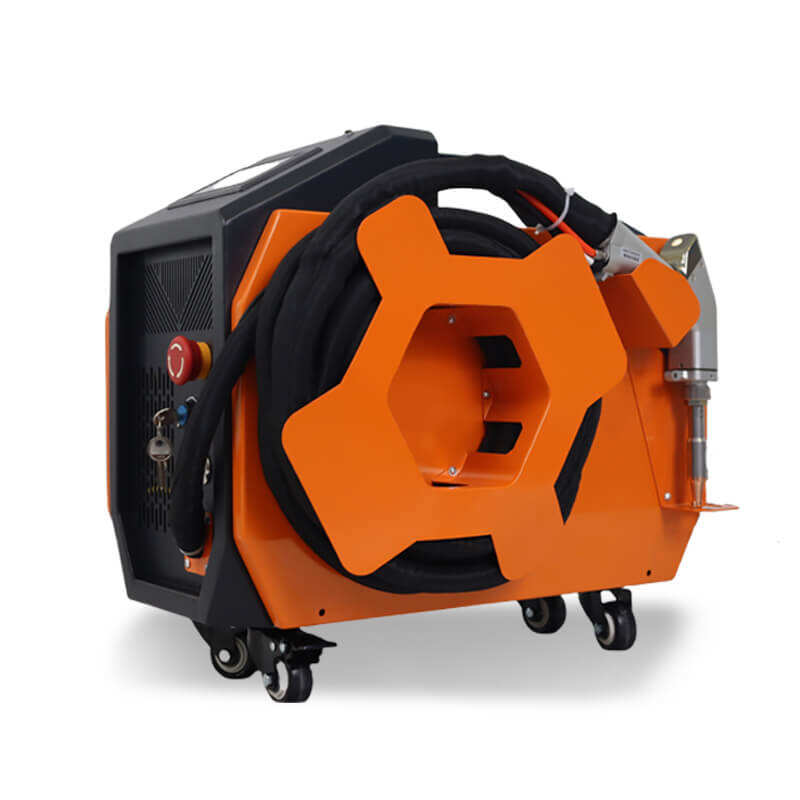
Laser cutting machines serve a variety of industries, for the accurate cutting of materials. Commonly laser cut materials are metals, woods, acrylics, and fabrics. There are 4 major steps to operate a laser cutting machine; preparation, setup, cutting, and post process. Each phase is important for good cutting and good operation;
1. Design and Parameter Settings
The final steps for achieving best results with laser cutting involves importing the cutting design, and setting the laser cutting parameters.
1.1 Importing the Cutting FileIf you design your cutting file or load a pre-existing design file you used in CAD/CAM software compatible with the machine you are using. The imported file can take various formats, such as .
2. Test Cutting and Calibration
When test cutting we do not want to waste material or have miscalibrated cut parameters.
2.1 Performing a Test cutWe want to test cut on small, non-prominent area. Perform cut using the parameters we have set. After the test cut inspect the result. The result should have clean edges, full penetration through the substrate and no burns on non-metals and burrs from metals.
2.2 Adjusting Parameters if NeededIf the test cut does not meet our expectations we want to re-adjust our parameters. The first adjustment should be power, which we will increase to get a cut that was incomplete or edges that were rough. When we are happy with the results we want to re-test the cut until we are happy with the results. All in all you want test cut until you have achieved the cutting results you desire.
3. Starting the Cutting Process
When you have verified that everything is correct, you can begin to cut.
3.1 Final ChecksFinal checks for your workpiece location, cutting path and safety devices are important. Always clear the work area of any people including bystanders, you should not be cutting when there are people in the area. Check for any combustible materials in the work area, none should be present when beginning a cutting operation.
3.2 Initiating the CutTo begin the cut press the 'start' button on the control panel or press 'start' in the software as applicable.